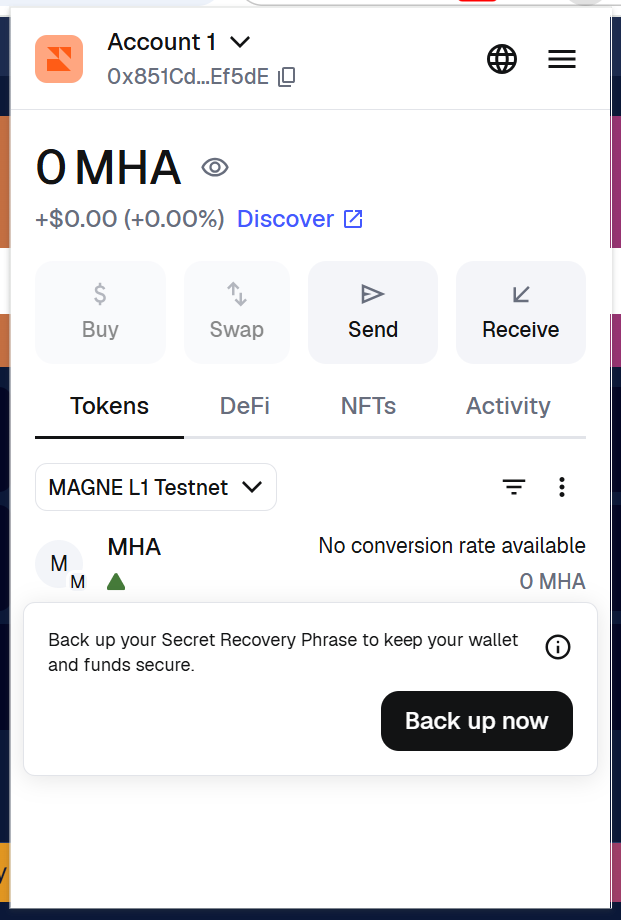
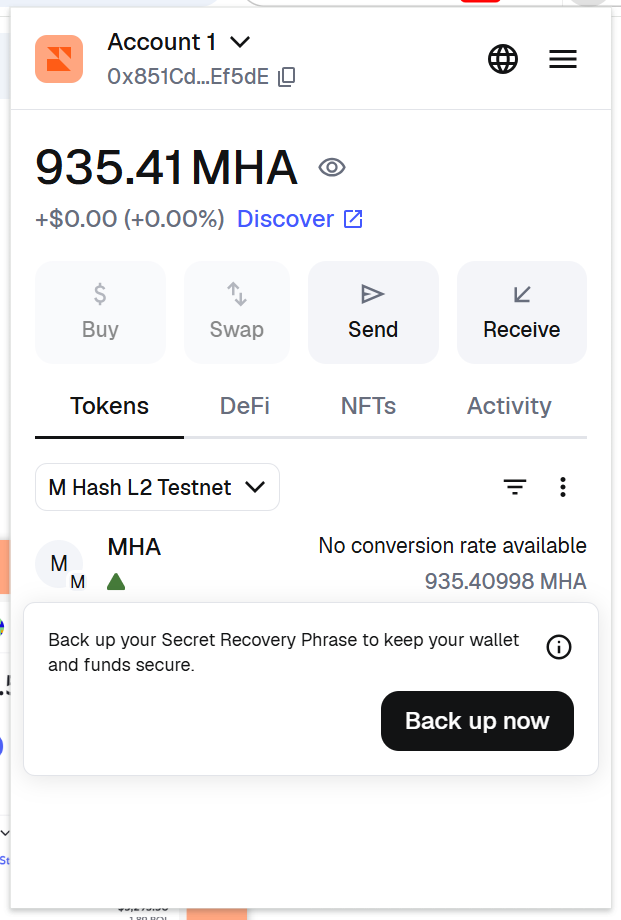
Connect To MAGNE L1 / M Hash L2 Testnet
How To Connect A Wallet With MAGNE L1 / M Hash L2 Testnet
Testnet RPC
Copy and paste these values into any wallet that supports importing RPCs.
Add MAGNE Layer1 Testnet
| Key | Value |
|---|---|
| Network Name | MAGNE L1 Testnet |
| RPC URL | https://rpc.testnet.magicalhash.com |
| Chain ID | 20250810 |
| Currency symbol | MHA |
| Block Explorer URL | https://explorer.testnet.magicalhash.com |
| MHA Testnet Faucet | https://faucet.testnet.magicalhash.com |
Add M Hash Layer2 Testnet
| Key | Value |
|---|---|
| Network Name | M Hash L2 Testnet |
| RPC URL | https://l2-rpc.testnet.magicalhash.com |
| Chain ID | 20250827 |
| Currency symbol | MHA |
| Block Explorer URL | https://l2-explorer.testnet.magicalhash.com |
| MHA Testnet Faucet | https://faucet.testnet.magicalhash.com |
Mainnet RPC (In Planning)
Copy and paste these values into any wallet that supports importing RPCs.
Add MAGNE Layer1
| Key | Value |
|---|---|
| Network | MAGNE L1 |
| RPC URL | http://rpc.magicalhash.com:8500 |
| Chain ID | 509 |
| Currency symbol | MHA |
| Block explorer URL | http://explorer.magicalhash.com/ |
Add M Hash Layer2
| Key | Value |
|---|---|
| Network | M Hash L2 |
| RPC URL | http://l2-rpc.magicalhash.com:8600 |
| Chain ID | in planning |
| Currency symbol | MHA |
| Block explorer URL | http://l2-explorer.magicalhash.com/ |
Supported Wallets 👛
Currently, any EVM-based wallet that allows RPC importing can be configured to work with MAGNE L1 / M Hash L2 Testnet
Here are some examples of compatible wallets:
How To Set Up A MetaMask Wallet With MAGNE L1 / M Hash L2 Testnet
This will walk you through the steps of setting up and configuring a MetaMask wallet with MAGNE.AI.
NOTE: It is recommended that you set this up through Chrome.
Install MetaMask
Go to MetaMask's website and click to download and install the browser extension for your browser of choice. Make sure the extension is being offered by metamask.io.
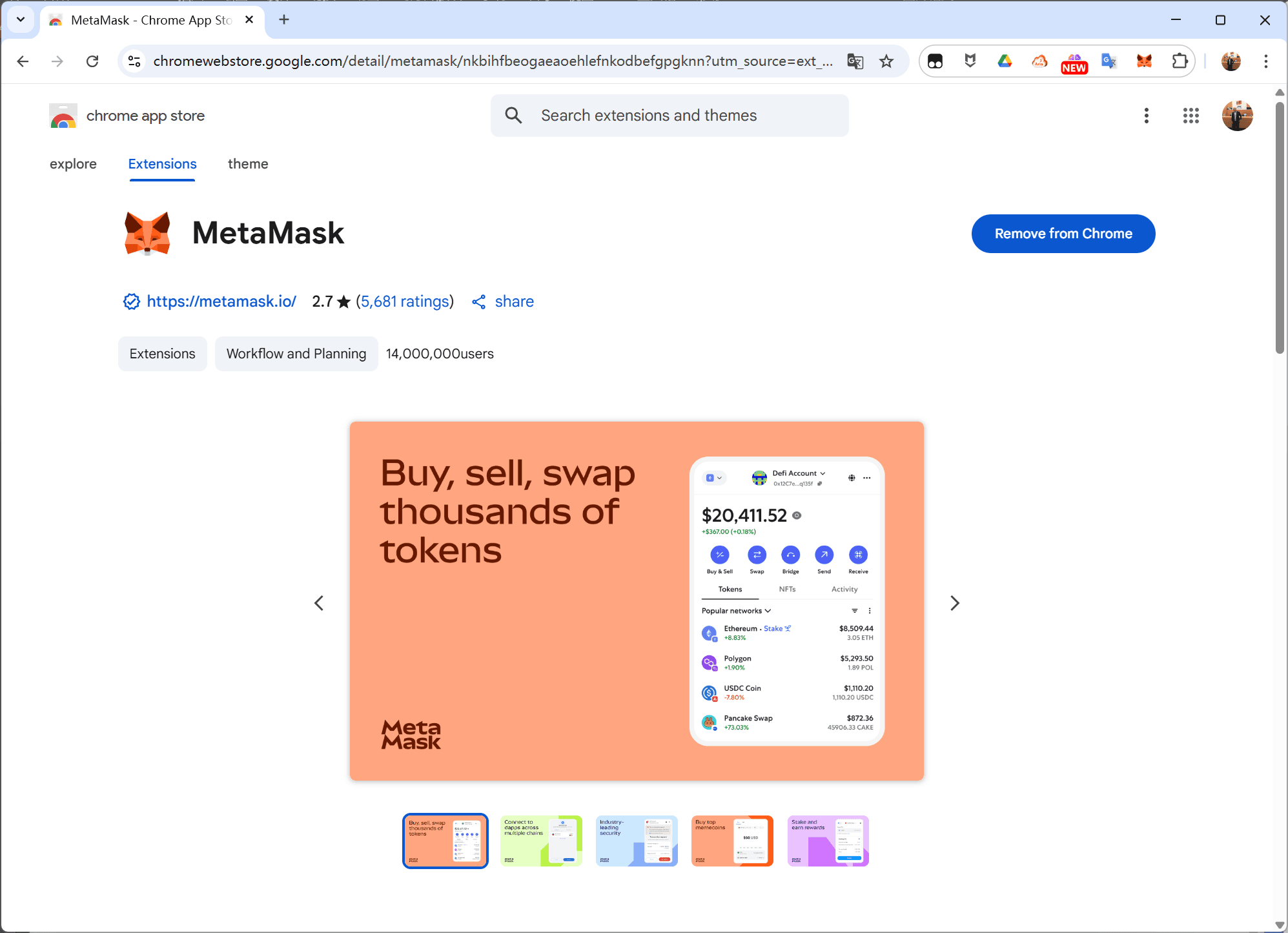
Wallets can connect to various blockchains, with MetaMask setting Ethereum as its default blockchain. In order to connect to MAGNE L1 / M Hash L2 Testnet, we'll need to add the network to MetaMask and select it.
Add MAGNE L1 Testnet in One Click
Using Chrome browser, open MAGNE L1 Testnet Blockchain explorer.
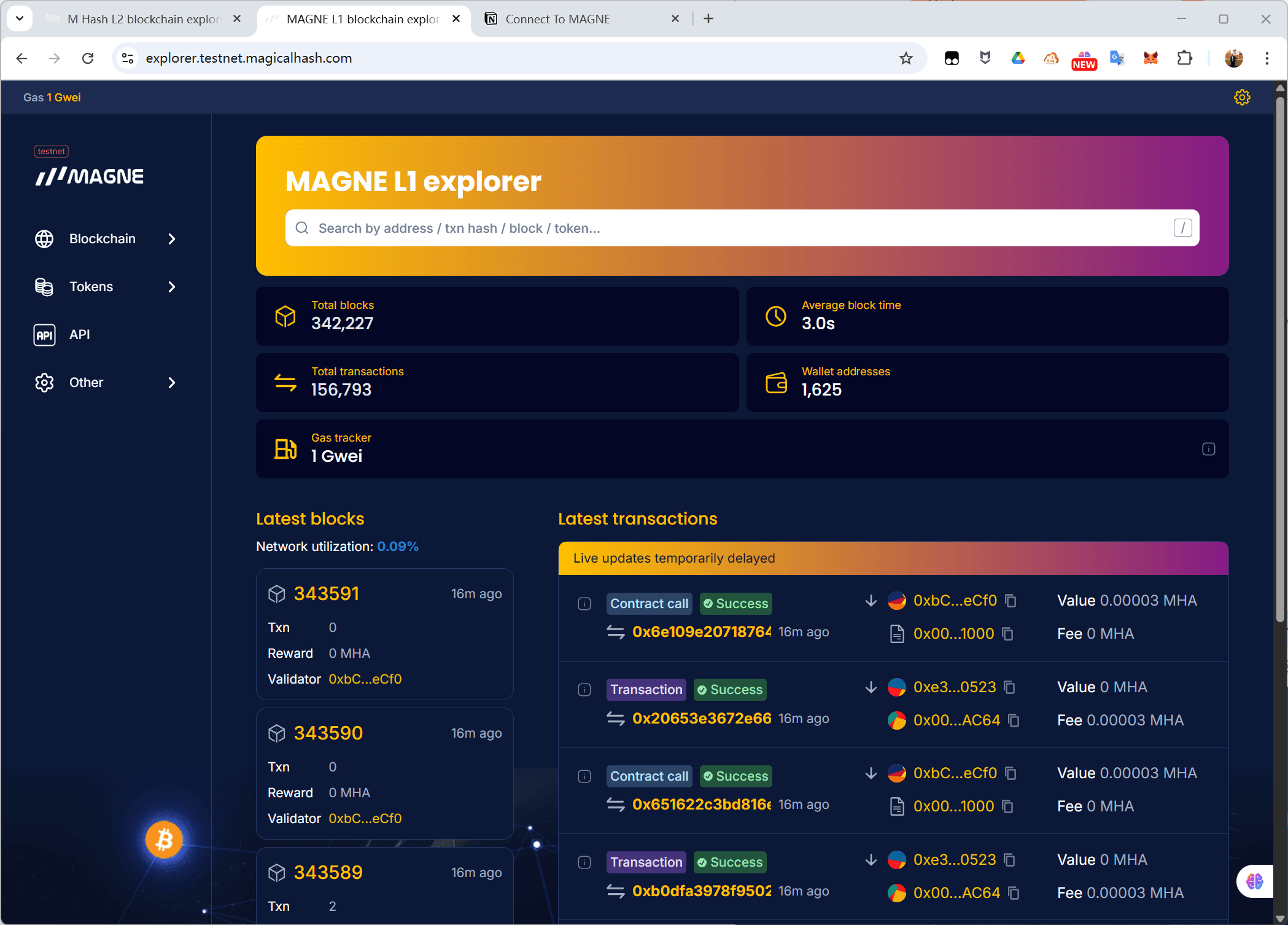
Click the button below to add the network to your MetaMask in one click.
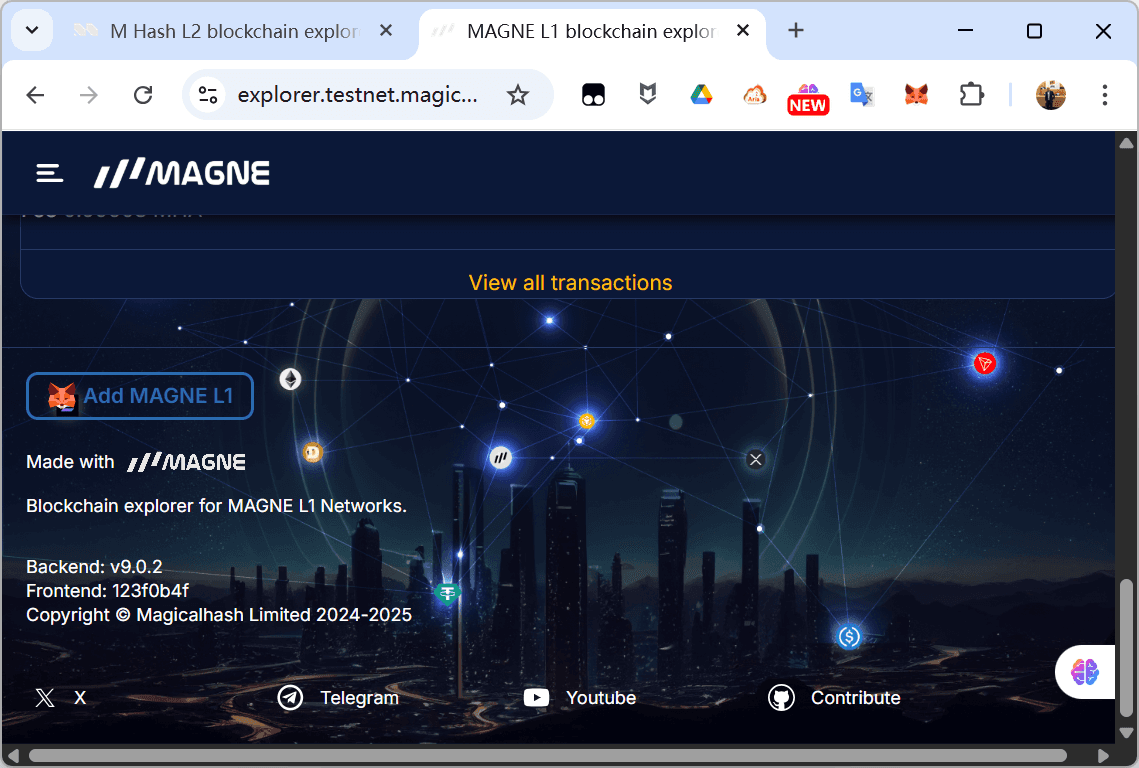
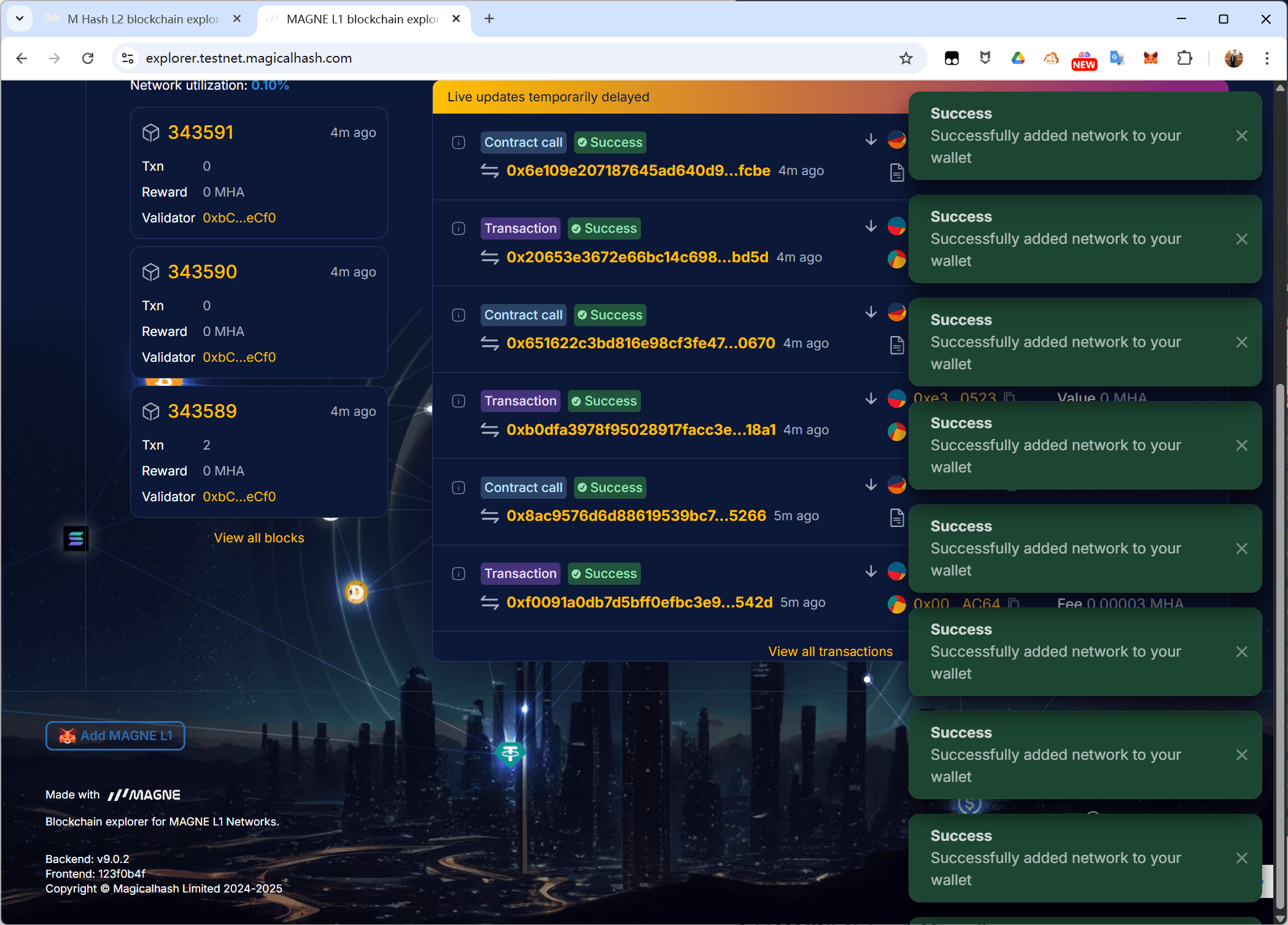
Add M Hash L2 Testnet in One Click
Using Chrome browser, open M Hash L2 Testnet Blockchain explorer.
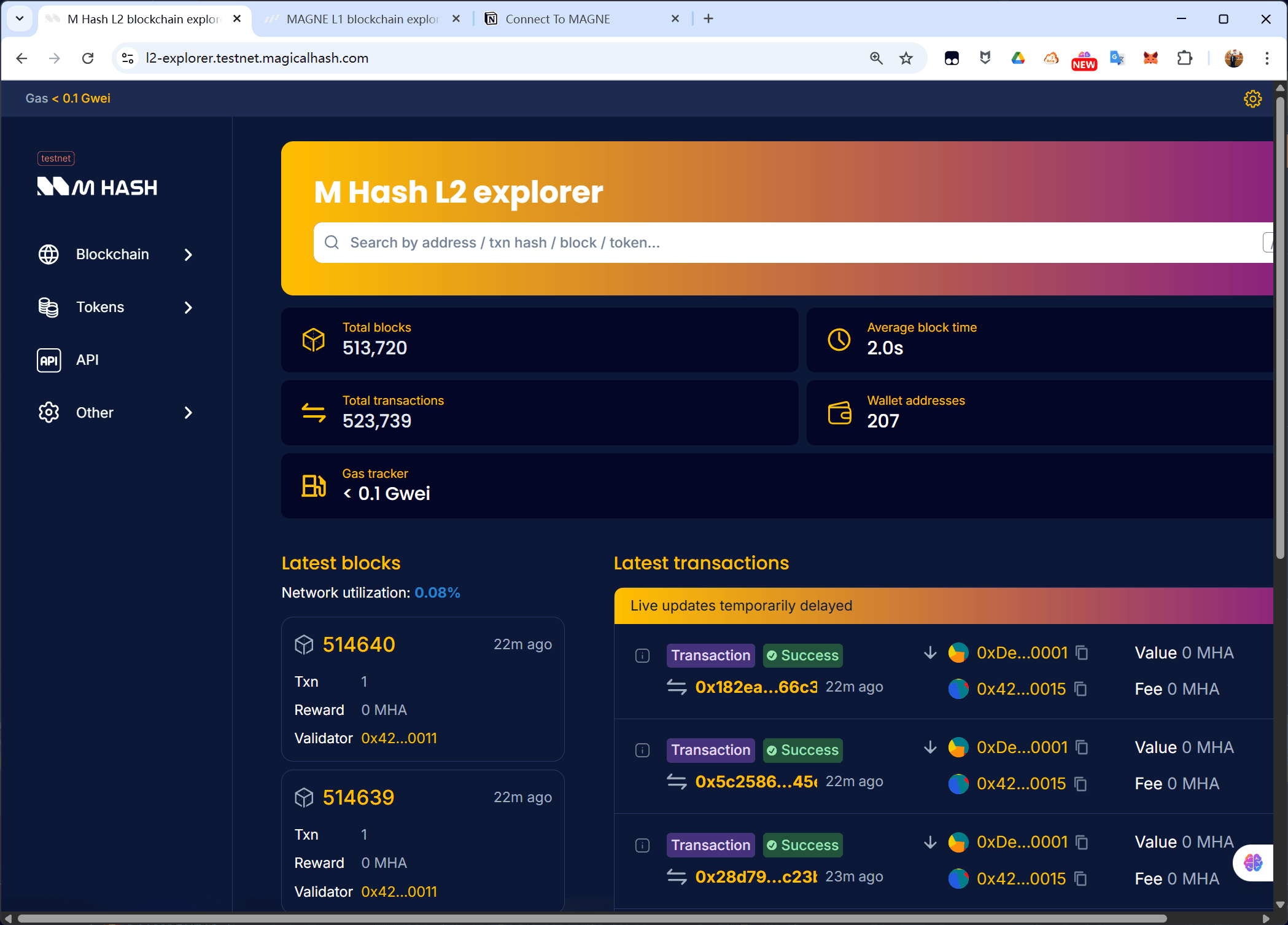
Click the button below to add the network to your MetaMask in one click.
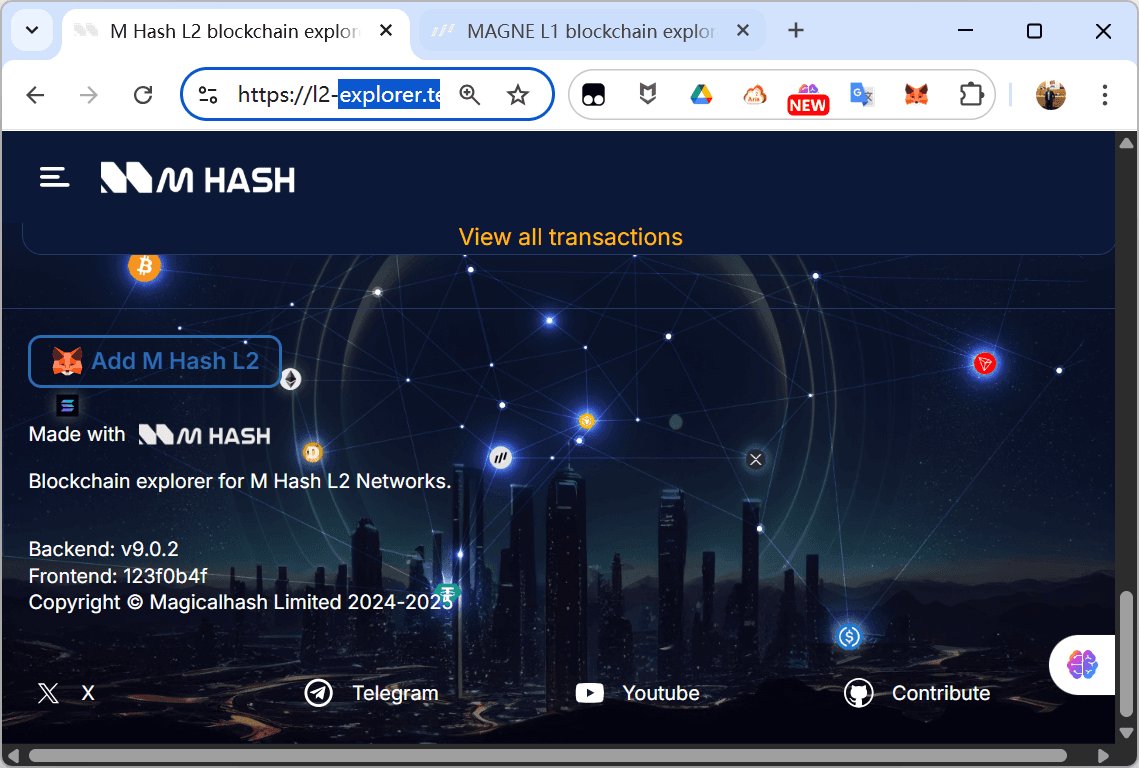
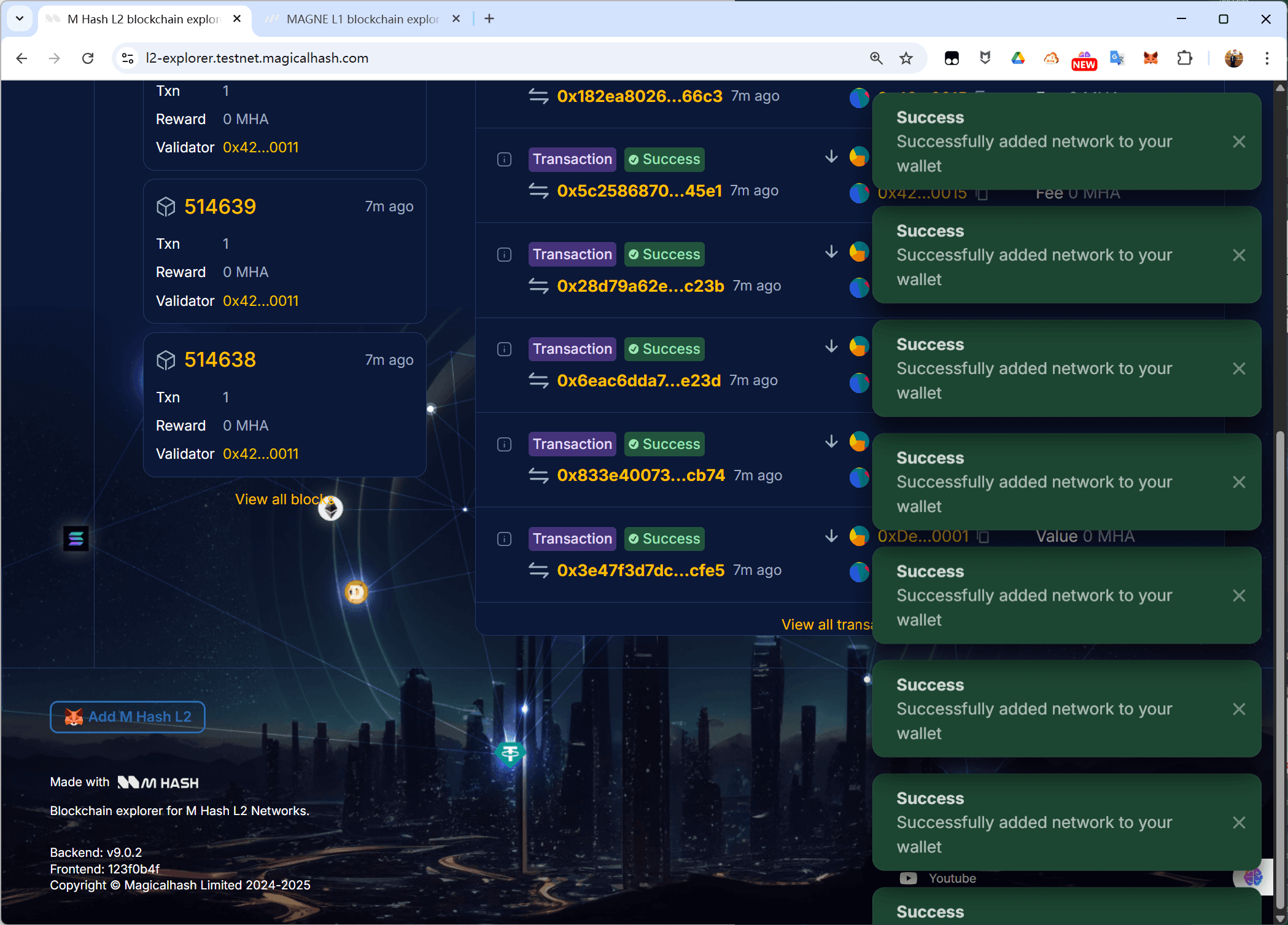
Add MAGNE L1 / M Hash L2 Testnet Manually
To add the network manually, click the drop-down in the top-left of MetaMask.
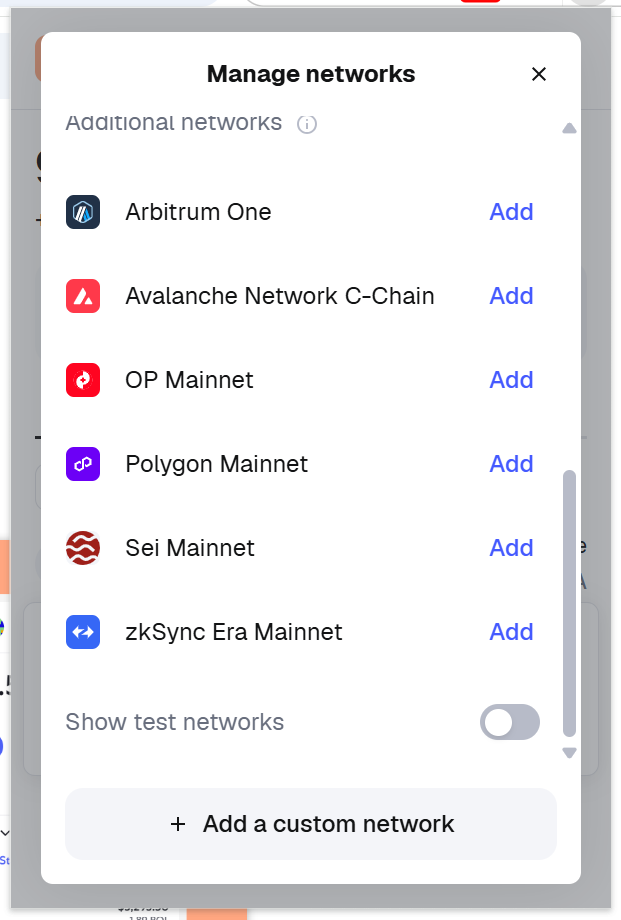
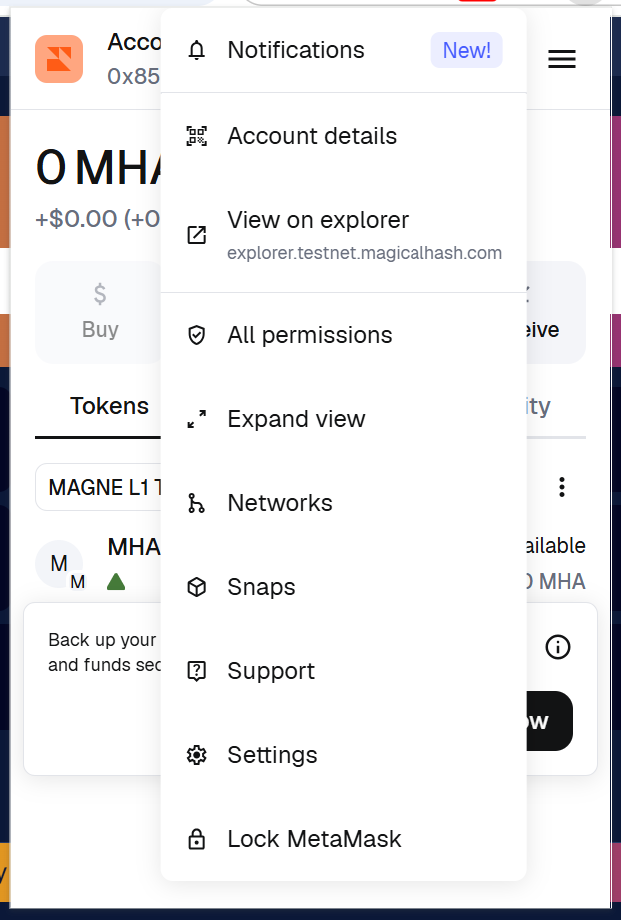
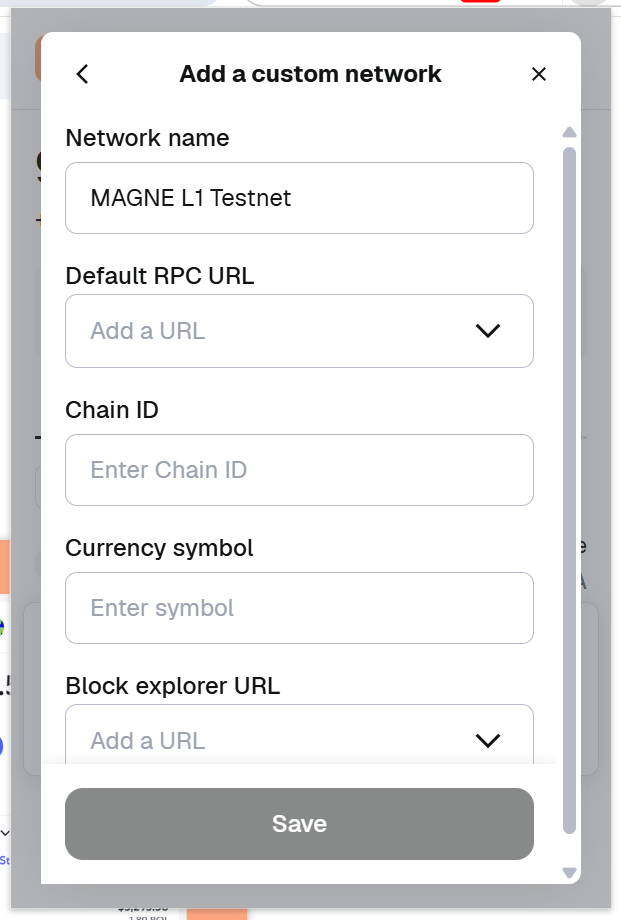
Enter the following details into MetaMask to configure the network and connect to MAGNE L1 Testnet and M Hash L2 Testnet.
Once the data is entered correctly, click Save.
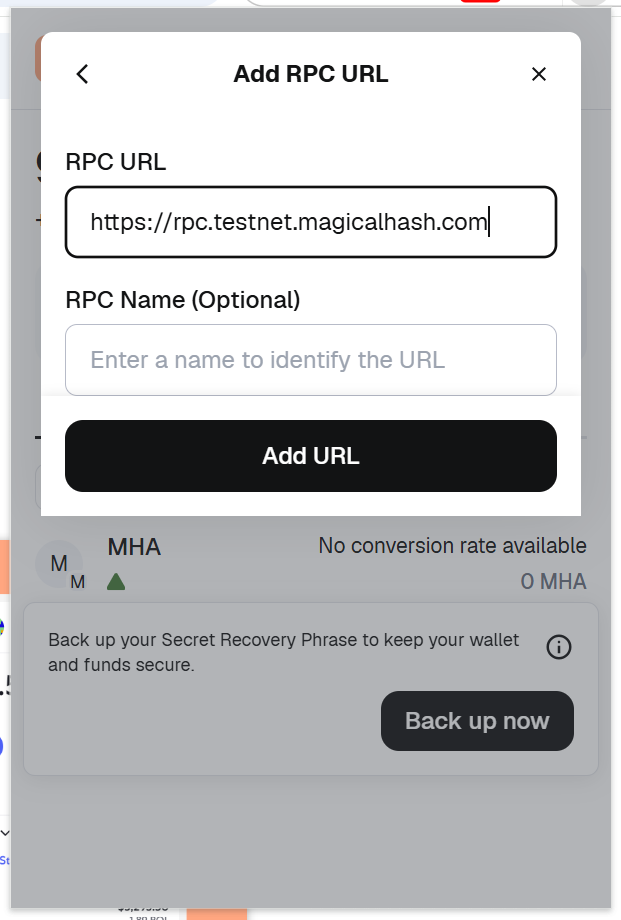
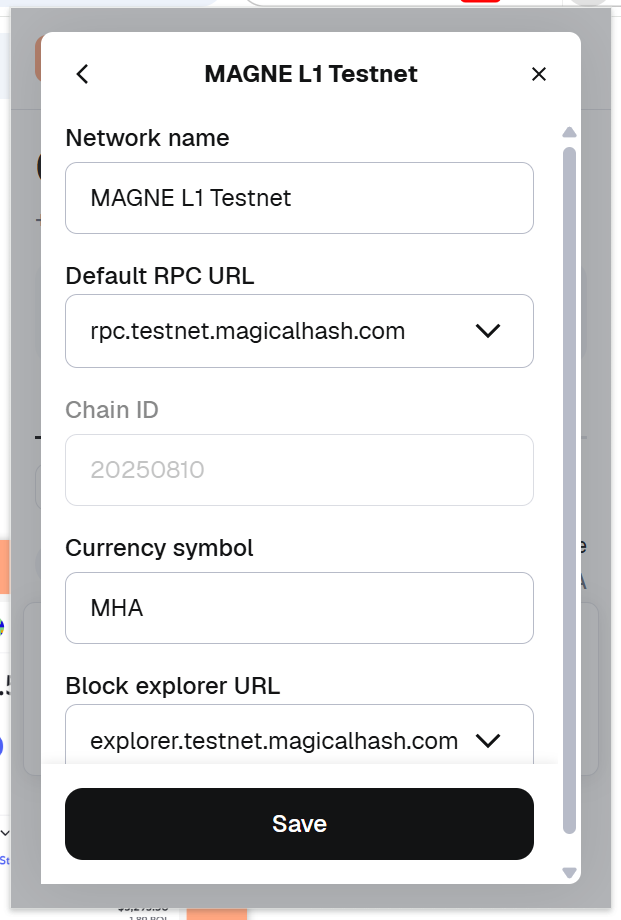
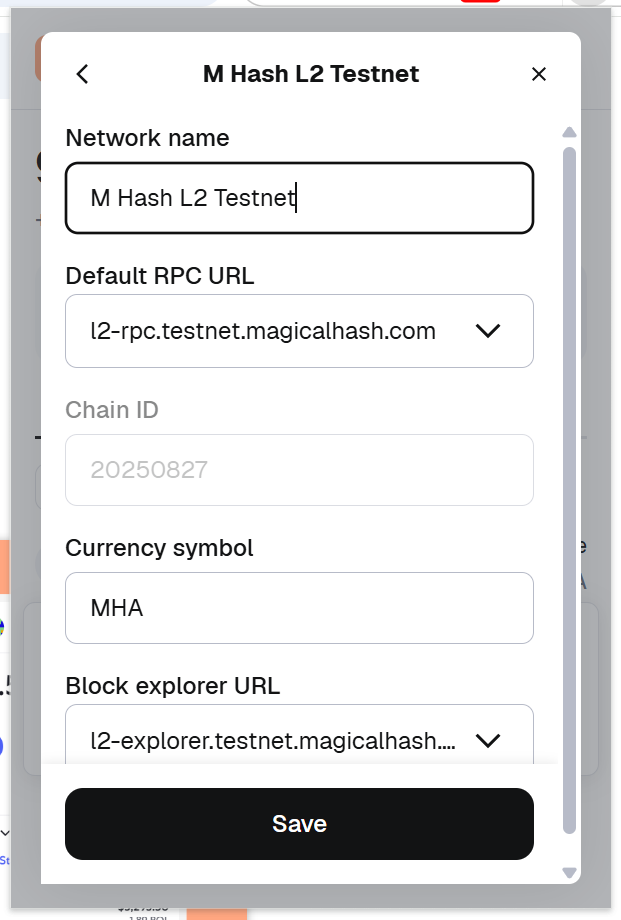
After saving the network configuration, you should be connected to the MAGNE L1 Testnet and M Hash L2 Testnet.